

Download, try, and buy.
StarPilot can make all of your navigation more efficient and more accurate.
You can see how this works by skimming over the documentation provided, or more directly by downloading the app to your platform of choice and running a free 3-day demo.
Once you download the app, you will see the opportunity to enter a purchased 16-digit code to run the app, or below that, start a free 3-day trial.
After the trial, if you choose to purchase the app, you receive the code by email and you can enter it in the app you are running.
Then if you like, you can also install it on other devices, such as iPhone, iPad, and Mac or a PC computer and Android phone.
If you are away from all of your own apps, you can always run the StarPilot online in any computer or phone. Your same code will unlock that. Try this at StarPilotLLC.com/web
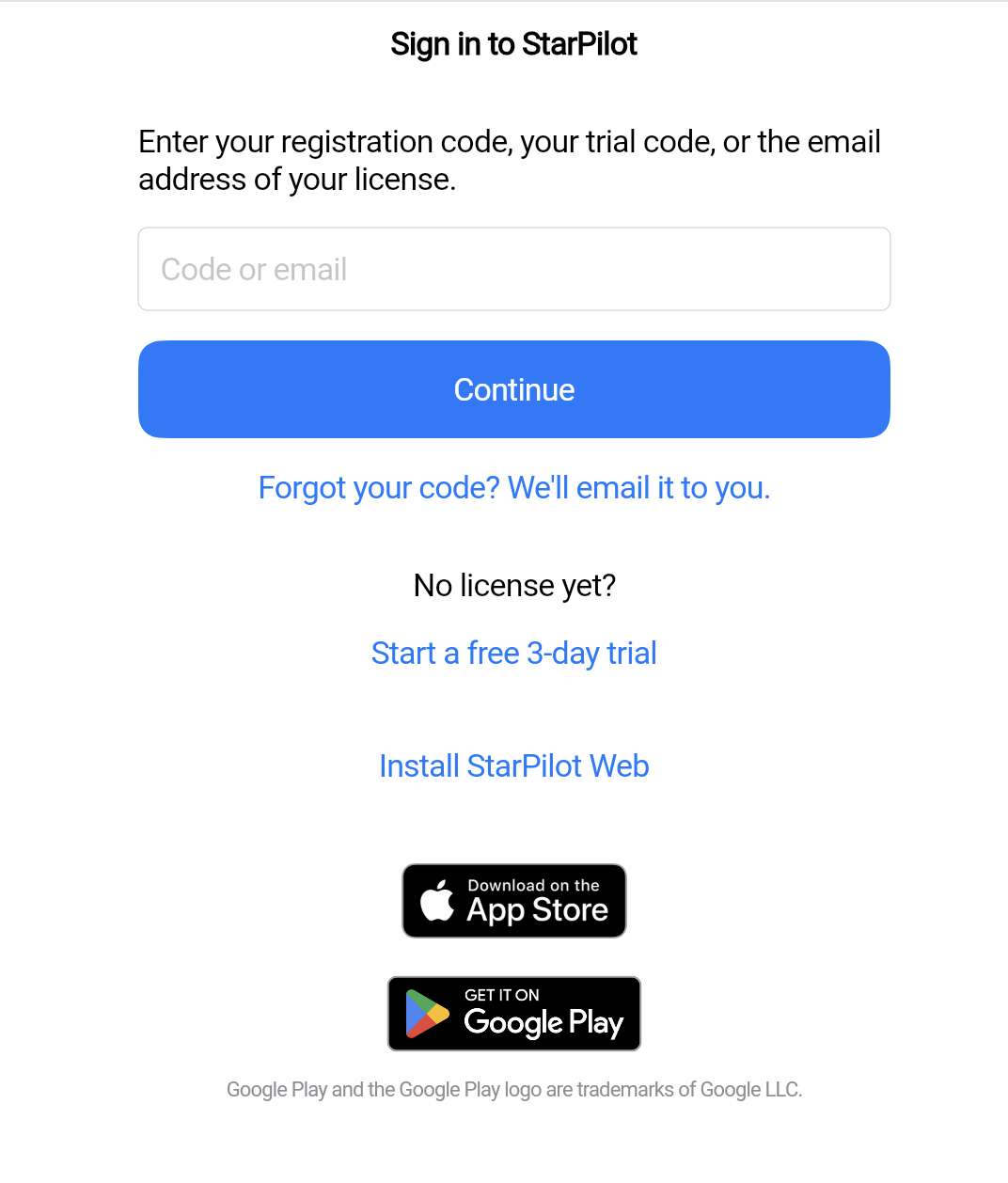
This also gives the option to create a web app of StarPilot on your desktop or to download the iOS or Android versions.
One thing to consider once you are accustomed to the convenience and precision of StarPilot navigation run on a computer or tablet, is you can load the app onto a TI-89 Titanium calculator and then store it in a waterproof plastic case in your ditch bag for dependable navigation if all power is lost.
That calculator is remarkably durable and its batteries last over a year. Then you have a complete cel nav solution for position fixing and routing on any ocean, any time, any year, plus it computes magnetic variation for wherever you are.
See related notes in the TI-calculator icon link above.